CT218 lab5
http://www.it.nuigalway.ie/~gettrick/courses/CT218/labs/l5.html
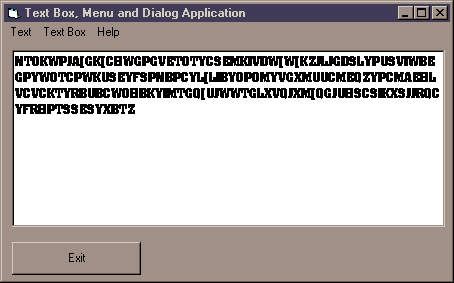
Today’s application involves a multi-line text box to which the user can apply various attributes through use of the menus.
The Text menu should have these options:
Font - uses the font common dialog to allow any formatting to be applied to the textbox
Bold - switch bold on/off. Should be checked (ticked) when the text is bold.
Underlined - switch underline on/off. Should be checked when text underlined.
Italic - switch italic on/off. Should be checked when text is italic.
The Text Box menu should have these options:
Back colour - uses the color common dialog to allow the user to pick a colour which is then applied to the BackColor property of the text box
Random Text - puts a random-length string of random characters into the text box (as in the picture above!) Hint: Use the Rnd function to generate random ASCII codes, which are then converted via the Chr$ function into letters.
The Help menu should have these options:
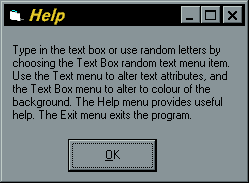
Instructions - displays a modal custom dialog box with simple instructions about the application
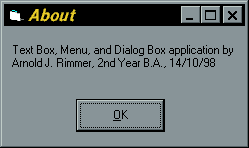
About - displays a modal custom dialog box with information about the programmer